Skills
Product Concept, User Research
Year
2021
HelpAir – Your Tavel Companion
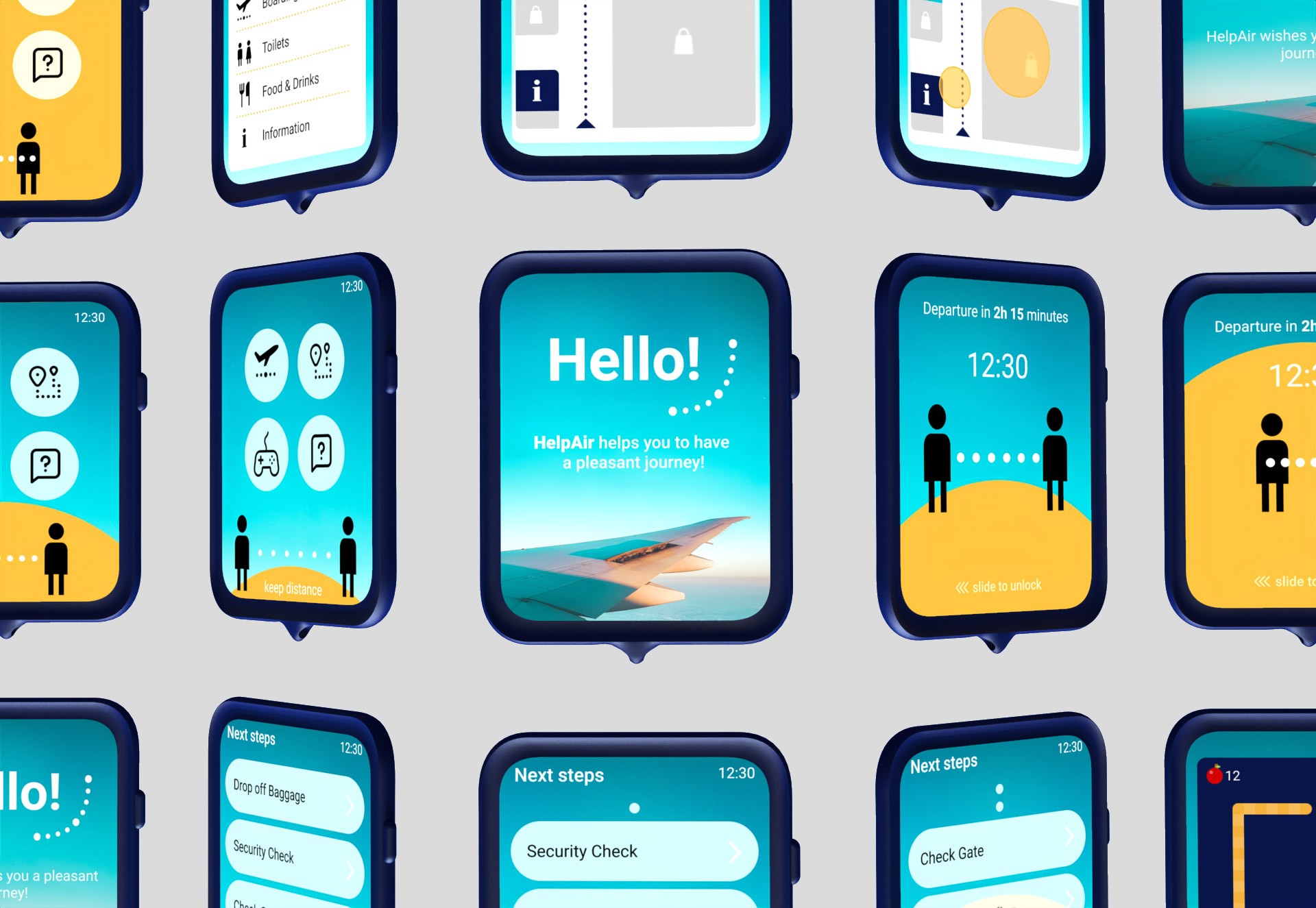
Hands-free device designed to help airline passengers maintain safe distances during COVID-19
In 2020, the travel industry was hit hard by the pandemic. Uncertainty and ever-changing safety regulations left many passengers feeling anxious. People needed reassurance that flying could be safe again.
Student Project, Human Centred Design, Prof. K. Nebe, 2021
Team: S. Altuntas, J. Klotz, L. Schäkermann. 3D Visualisations: S. Altuntas
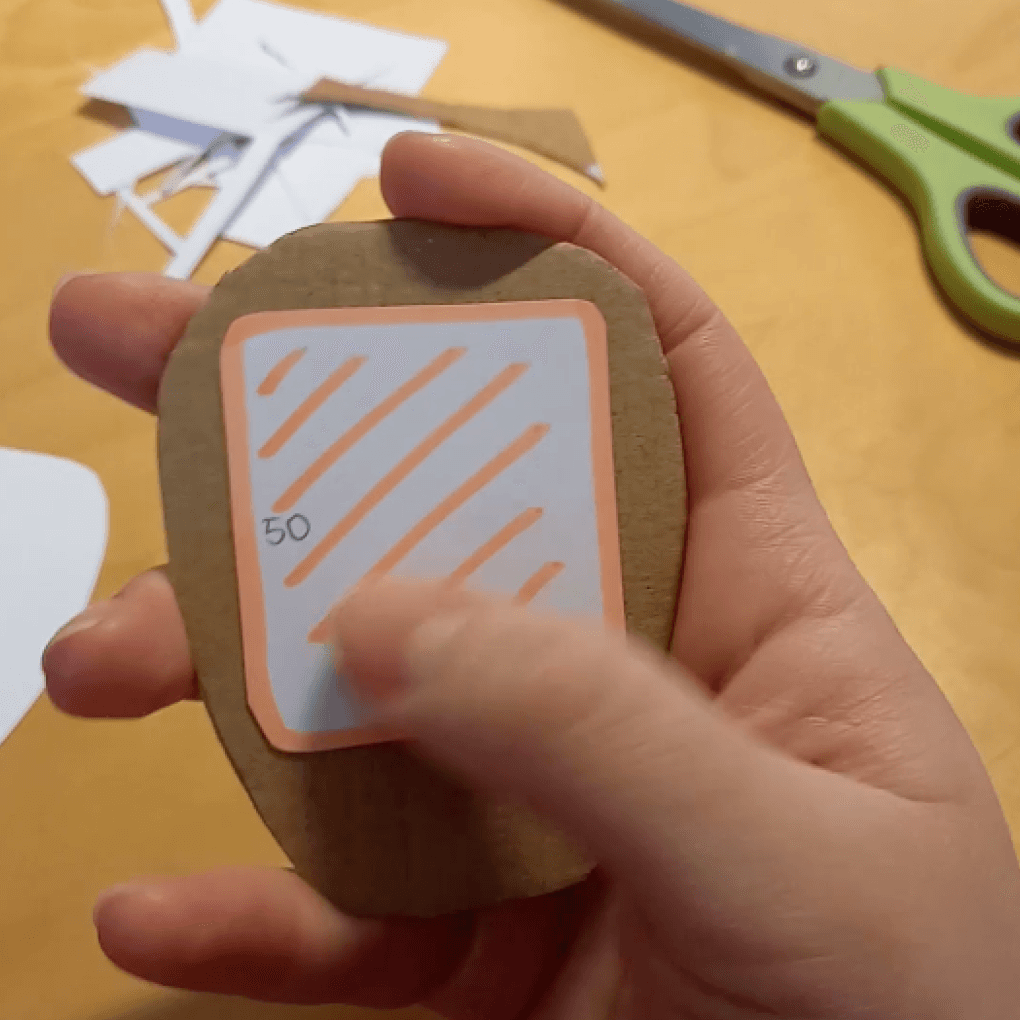
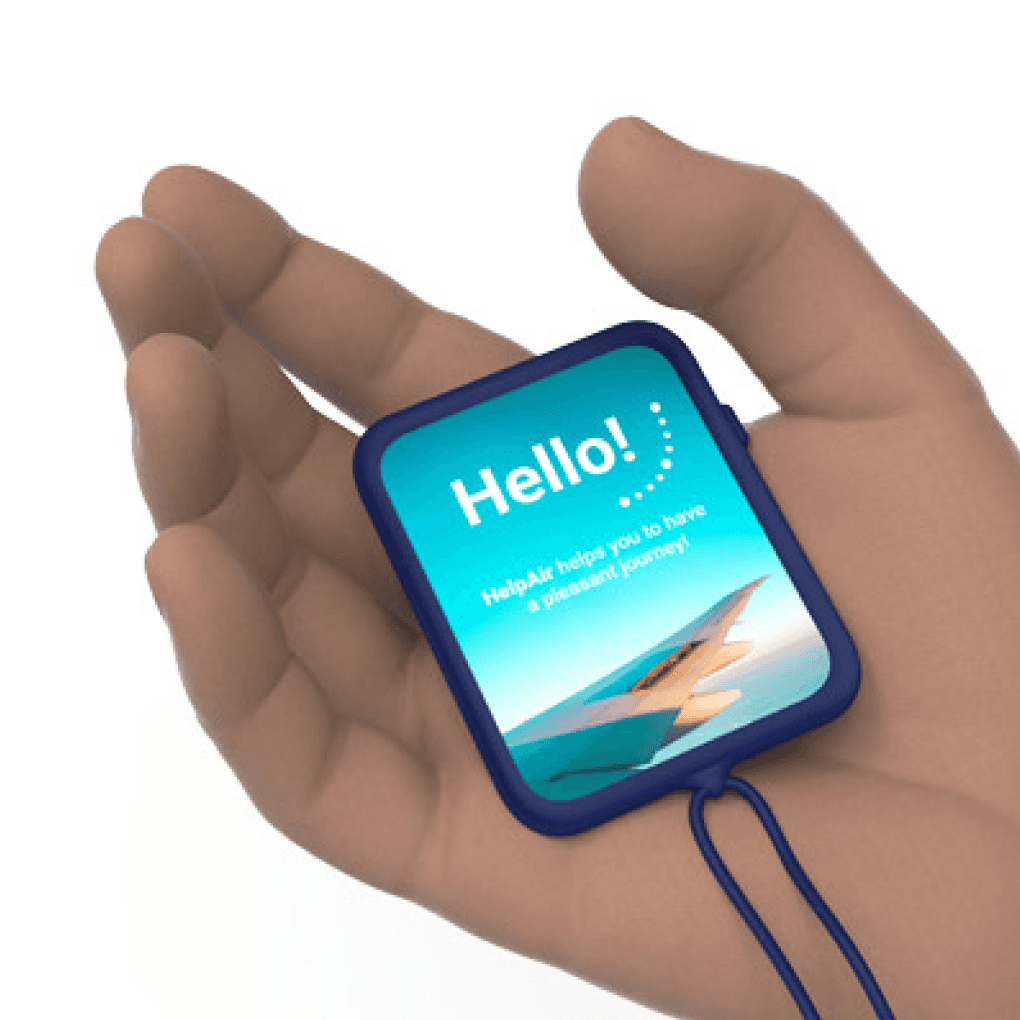
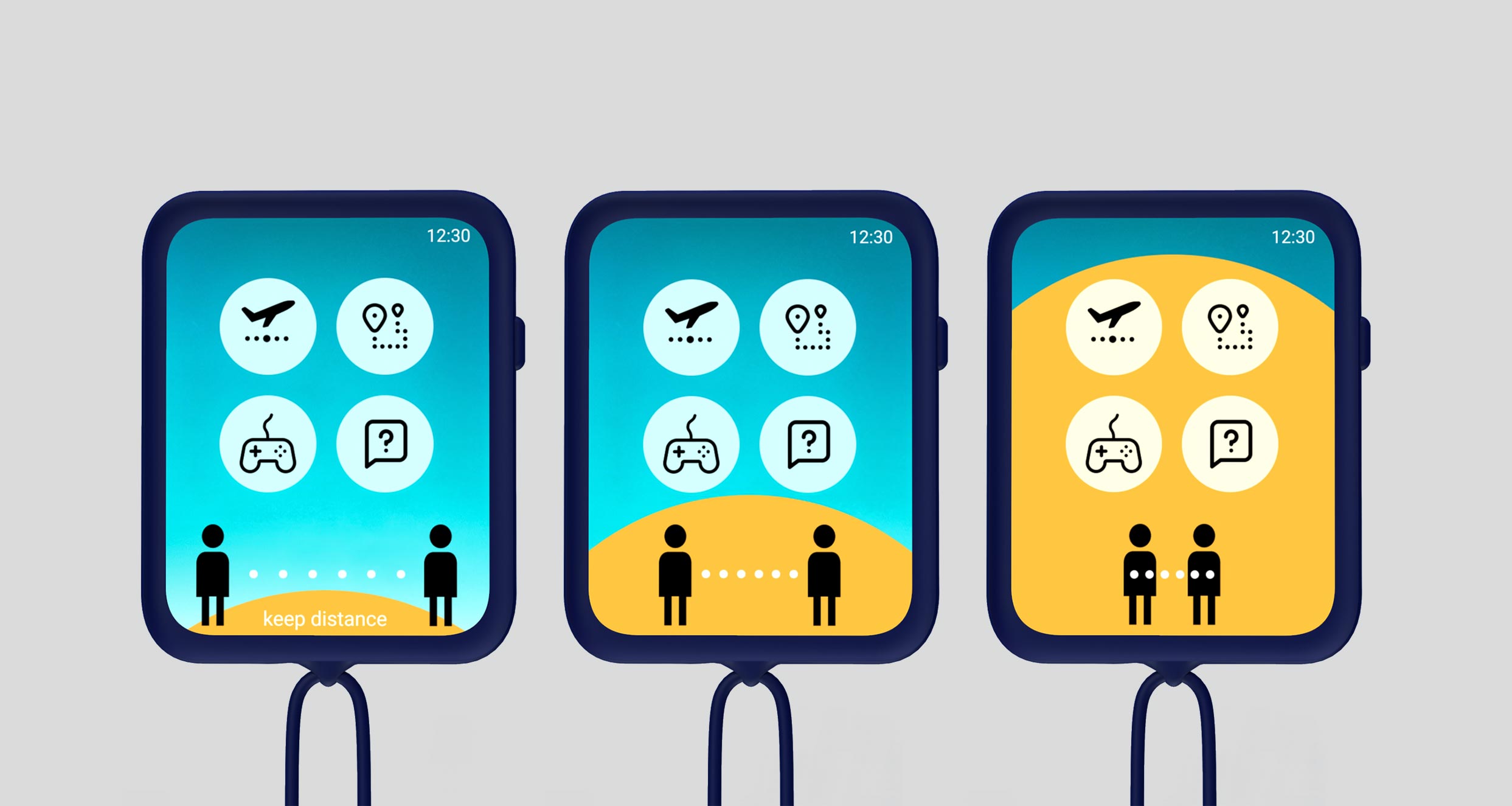
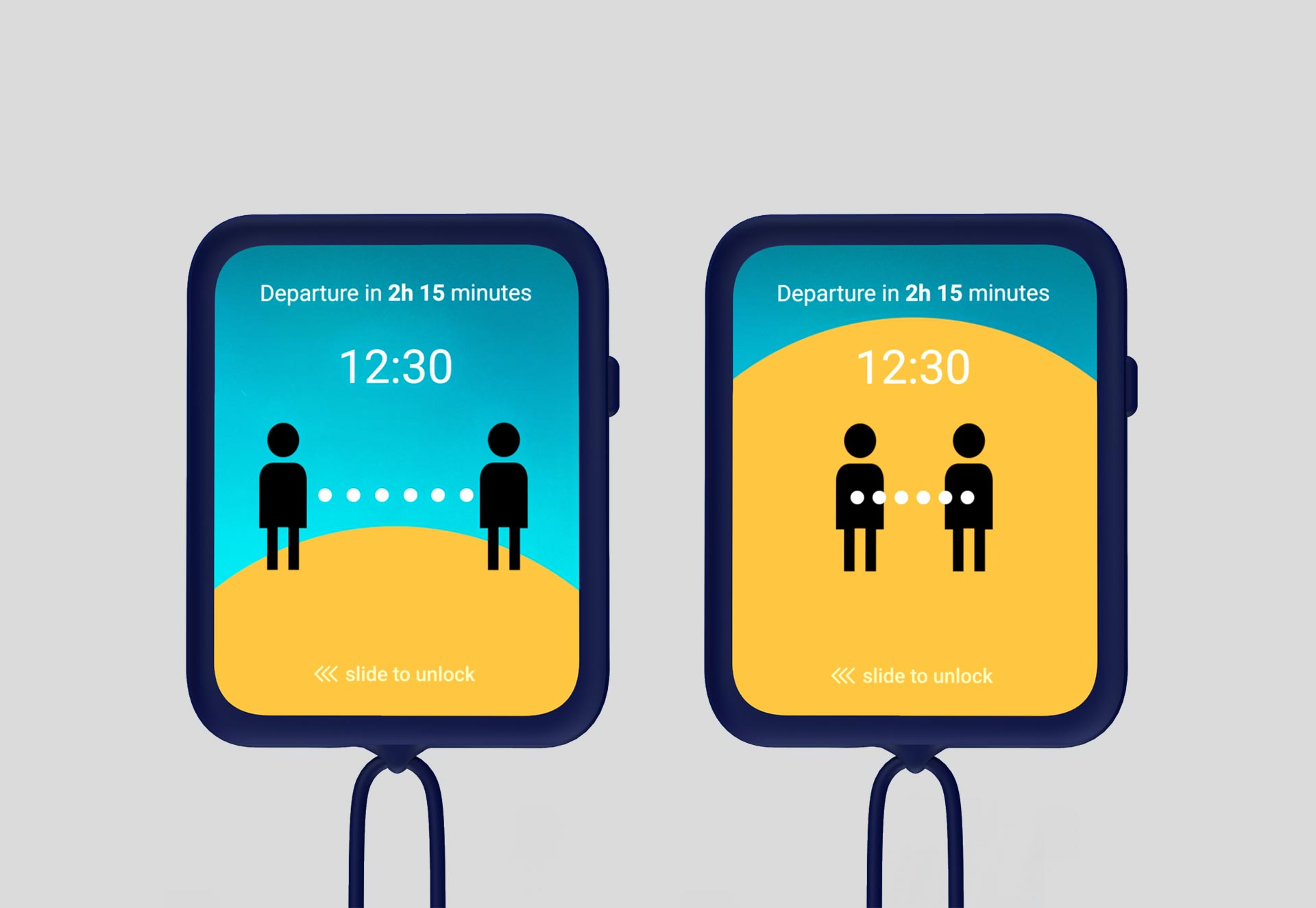
In collaboration with Lufthansa Flying Lab, we developed HelpAir—a wearable device that helps passengers maintain physical distance. When someone gets too close, the device vibrates and signals risk using color indicators. It syncs with travel companions to avoid false alerts, is handed out at the airport entrance, and returned before boarding.
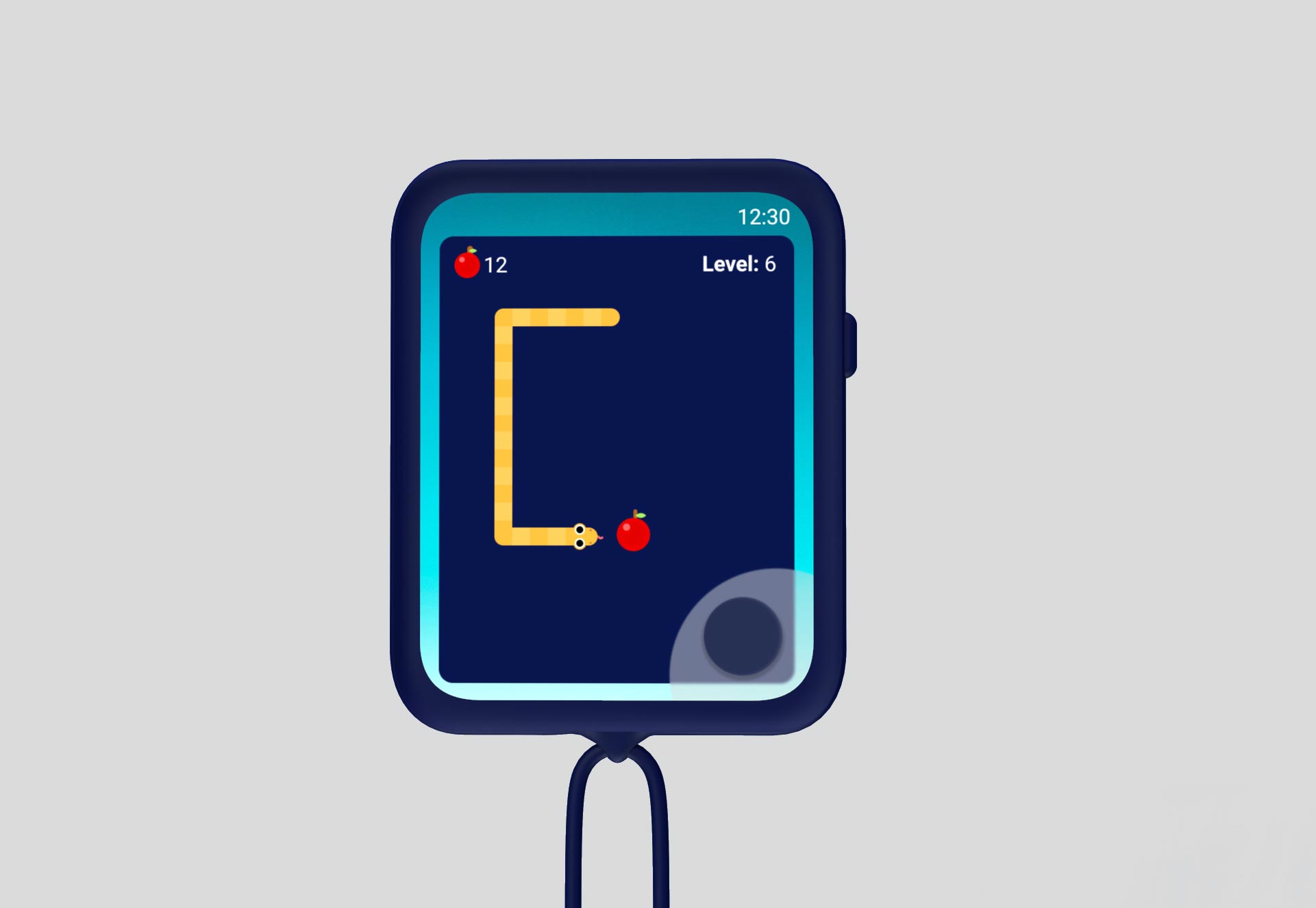
By gamifying the experience, HelpAir aimed to lower infection risk and make the pre-boarding phase more engaging. We deliberately chose a physical device over an app to ensure higher adoption among all passengers.
Human-Centred Design Process
Context of use – Studied passenger behavior, airport conditions, and usage environment.
User requirements – Conducted interviews to identify real needs and concerns.
Design solutions – Developed concepts focused on intuitive, contactless interactions.
Evaluation – Iterated based on continuous user feedback.
My role: I focused on defining user requirements, conducting interviews with users and experts, branding, the entire UI design and documentation—while collaborating closely with the team for feedback and iteration.
1. Context of Use
Crowds are a major concern for passengers at the airport. The solution is better crowd control and navigation assistance, which will not only address pandemic-related issues but can also serve as a long-term solution. The target user group includes travelers, expats, and international students visiting friends and family.
Assumed tasks the solution addresses:
Encourage people to travel again
Improve crowd control
Create individually scheduled time plans for shorter wait times
Provide long-term comfort beyond the pandemic
Offer guidance throughout the airport
Minimize time spent at the airport
Enhance airport workflow efficiency
Reduce boarding times
2. Interviews
We conducted interviews with one expert from Lufthansa's marketing team and five users from our target group. To structure the gathered information effectively, we created two sets of guidelines: one for the expert interview and another for the user interviews.
Expert Interview
We interviewed a Senior Marketing Manager from Lufthansa, gaining valuable insights into the corporate side of the project. This interview was crucial in identifying key issues and shaping our design solution. She provided valuable details on Lufthansa’s ongoing communication efforts to inform passengers about safety measures, which helped us understand the marketing strategy and how they were addressing passengers' concerns.
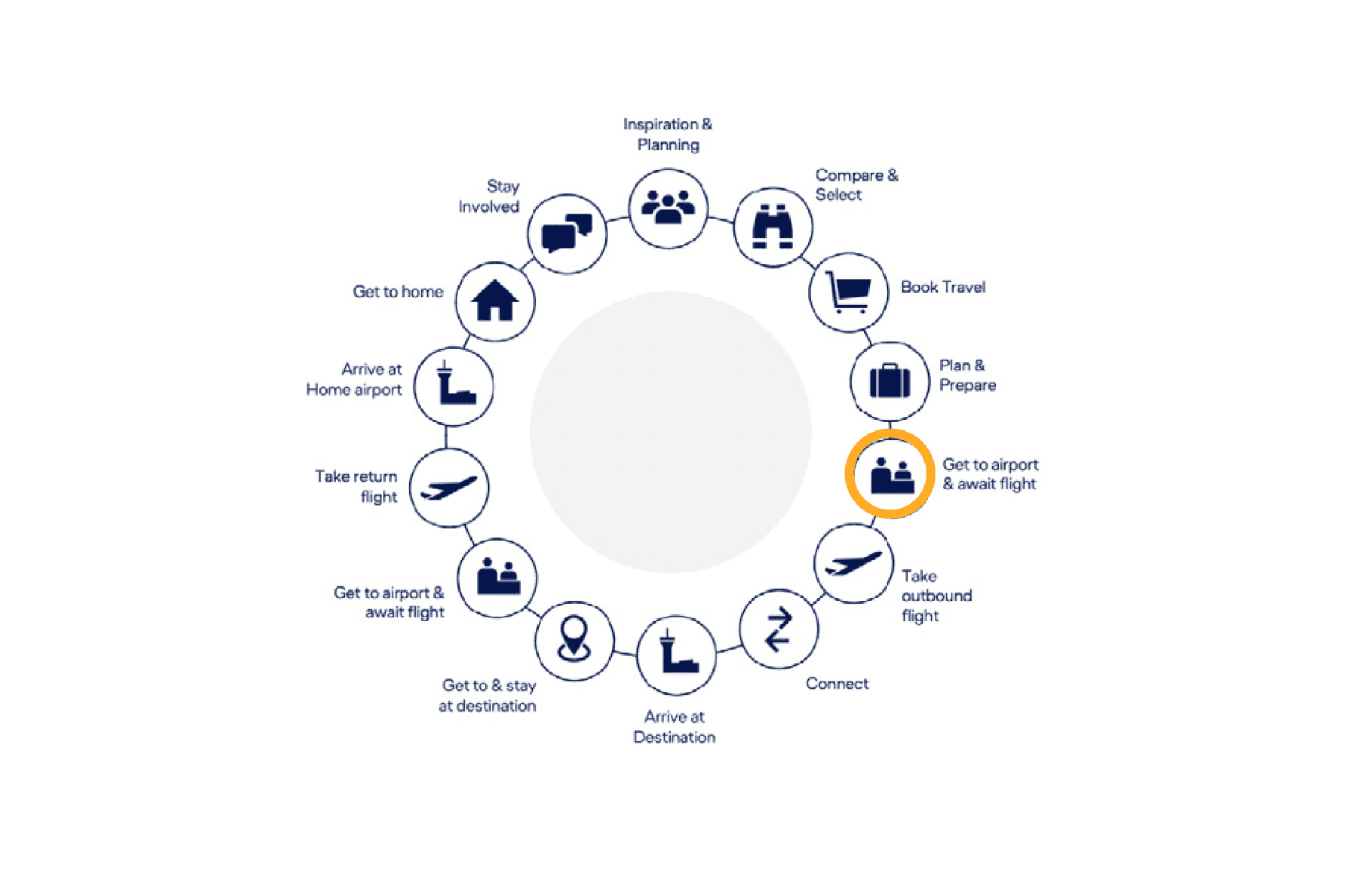
We decided to focus on the fifth step of the user journey: getting to the airport and awaiting the flight.
Users Interviews
The users were divided into two groups: those considering flying and those who had already flown. Analyzing the results, we identified common touchpoints and four main pain points:
Crowds and lack of crowd control
Full airplanes
People not following the rules
Long queues at baggage claim
While experiences varied depending on the departure and destination countries, a common issue was crowd control. Many passengers felt that there was a need for physical assistance or a system to improve crowd management.
3. User Needs and Requirements
User Needs Report
We utilized ISO Common Industry Format (CIF) documents to ensure our product met user needs. ISO 13407: 1999 outlines how user needs serve as the foundation for user requirements and overall product development. A User Needs Report identifies the problems preventing users from achieving their goals, covering the context of use, users, tasks, and environments where the product is used.
User Requirements
By considering the context of use, we defined the main goal and associated tasks for the system. The primary goal is to enhance travel safety, particularly given the ongoing pandemic.
The sub-goals and tasks for the designed solution were:
Optimize the travel journey with an individualized schedule for passengers
Improve crowd control at the airport
Notify passengers when they are too close to others, ensuring safe distancing
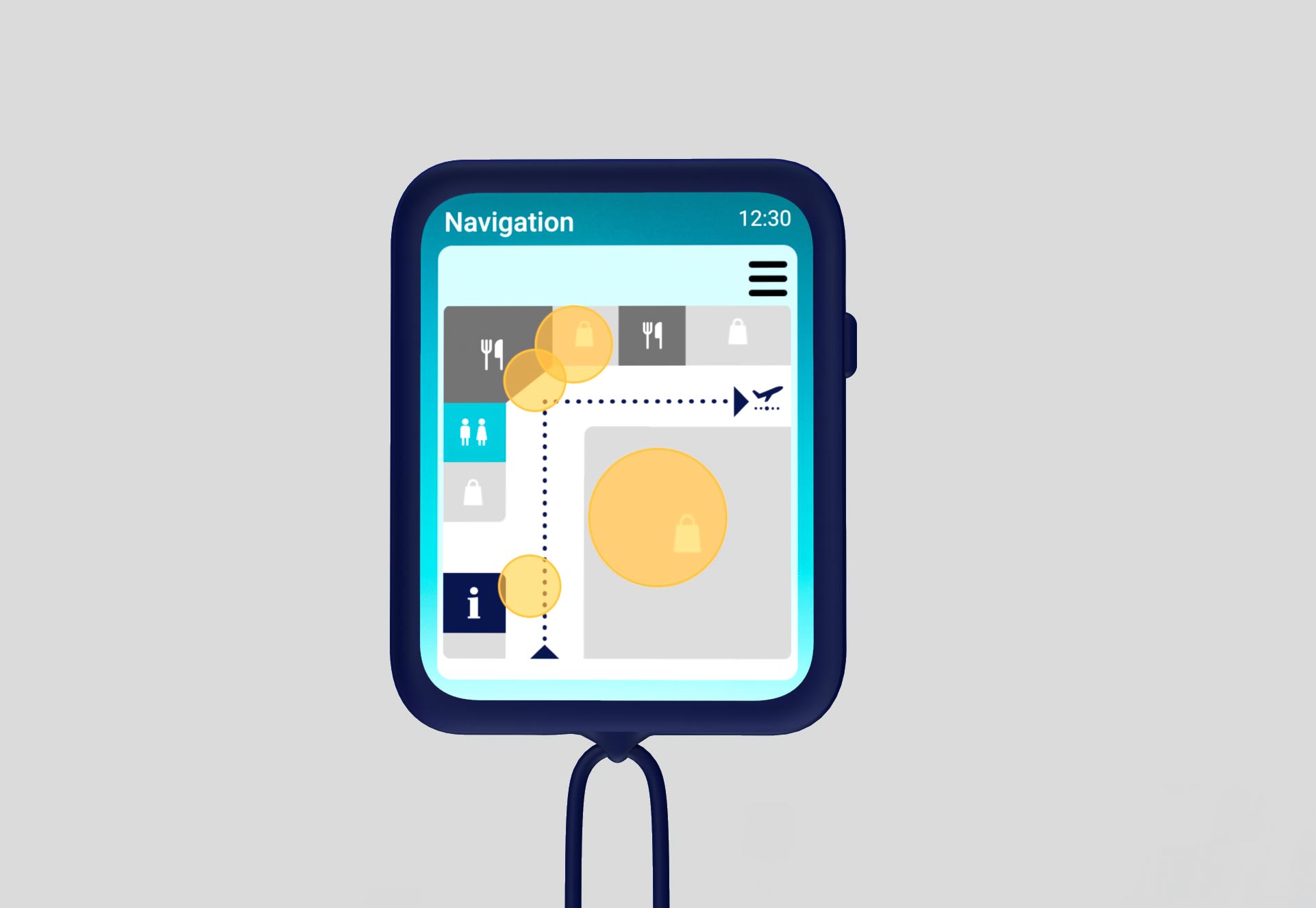
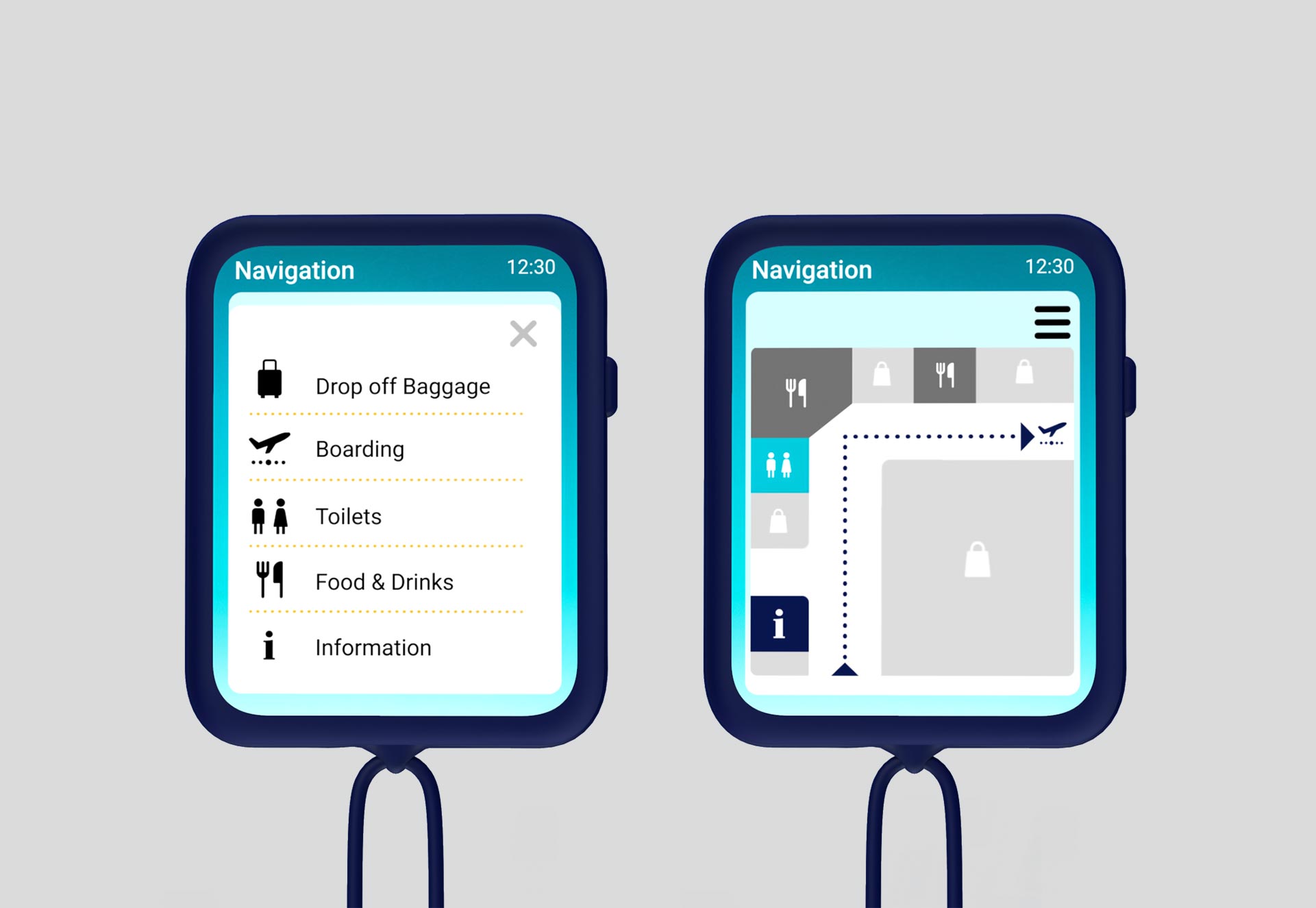
Assist with navigation through the airport, avoiding crowded areas and showing shorter routes
Provide information about procedures, destinations, and time constraints
4. Design Solution
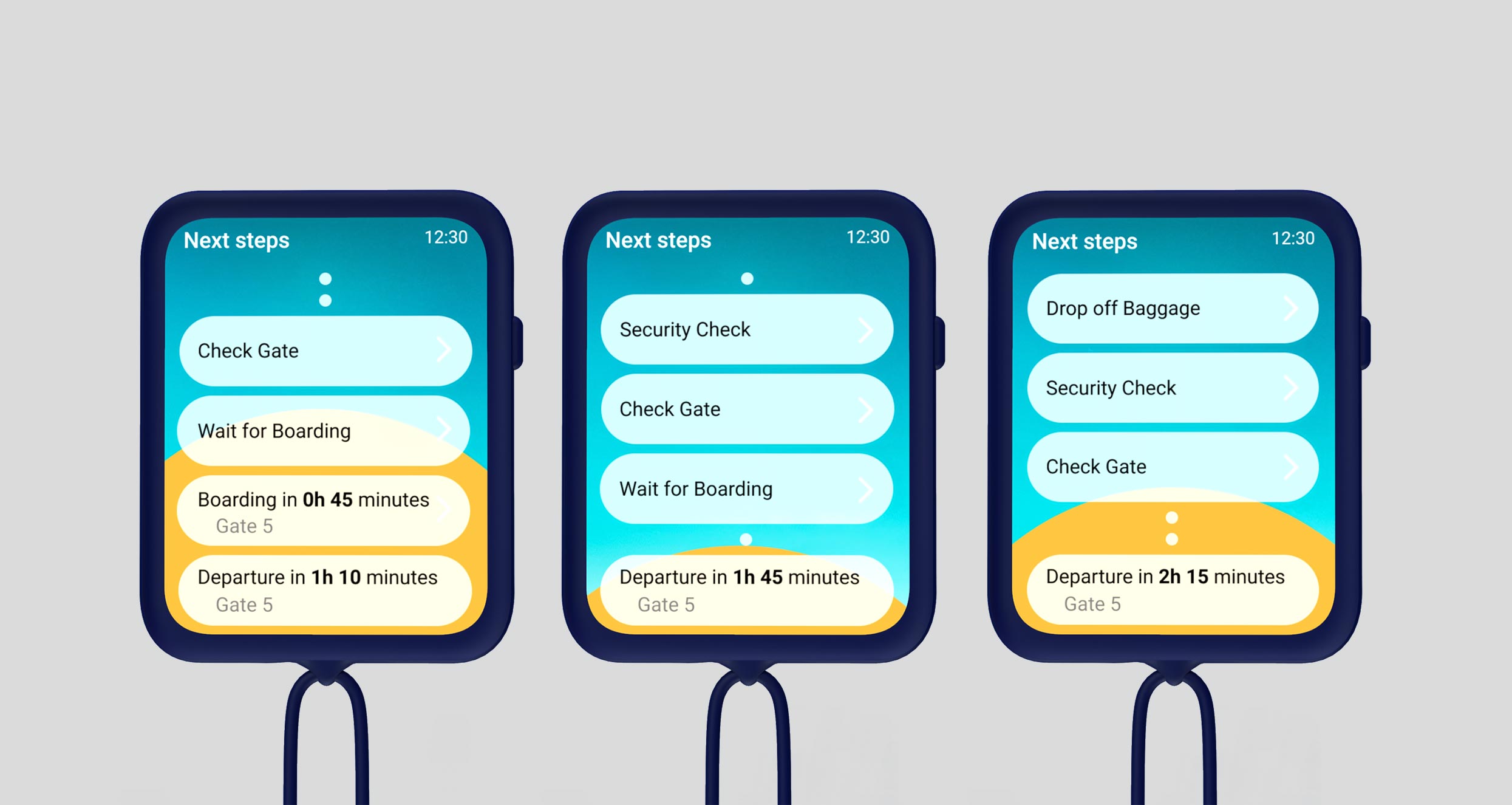
After conducting interviews and identifying user needs, the concept of HelpAir was developed. HelpAir is a small, hands-free device worn around the user’s neck, leaving their hands free for children, luggage, or other items. With a simple touchscreen and a single button, it requires no complex instructions, ensuring immediate usability.
To optimize usability, we created multiple mockups to test interaction ease. The device operates through familiar swipe motions, much like a smartphone. The screen design is clear and intuitive, with consistent color choices and icons for easy understanding. The back of the device is dark blue, matching Lufthansa’s brand colors, and is made of silicone for a secure grip. The concept was visualized as a digital low-fidelity prototype.
5. Evaluation Report
To ensure optimal usability, it is essential to test and challenge assumptions made during the design process. In the evaluation phase, the digital low-fidelity prototype was reviewed and tested to identify potential usability issues. A remote formative usability test was conducted, where users were observed completing specific tasks, such as navigating to a destination while avoiding crowds. During the tasks, users were encouraged to think aloud, providing insight into their thought process. Afterward, users answered a set of questions to share their feedback on the prototype.
A brief introduction was given to the users, explaining the purpose of the device and setting up a realistic scenario for the test.
6. Next Steps
We decided against creating an app to reach as many users as possible; the more passengers using the device, the more effective it would be. Not all passengers are willing to download yet another app and use it correctly. After visualizing the project, we defined the next steps to expand the concept:
Create Project Plan: After continued development and testing of the prototype, the next step is to create a project plan that outlines further usability testing, software development, and marketing. The plan will define task sequences and timelines.
Further Testing: Additional usability testing is necessary to evaluate the adaptations made. A System Usability Scale questionnaire could provide quantitative data on the gadget’s usability. It would also be essential to test a physical prototype in a real-life scenario, such as at the airport, with users carrying their belongings as they head for their flight. This would allow for an accurate assessment of how the gadget performs in practice.
Development: Software development will begin while testing is still ongoing. The interface may require adjustments, so it is vital to maintain a clean architecture, with clear separation between visualization and functionality. Extending the Lufthansa app could also be considered as an option.
Marketing: To encourage passengers to fly again, it is crucial to communicate how the gadget can enhance safety at the airport. Marketing efforts could leverage existing social media channels, such as Instagram.